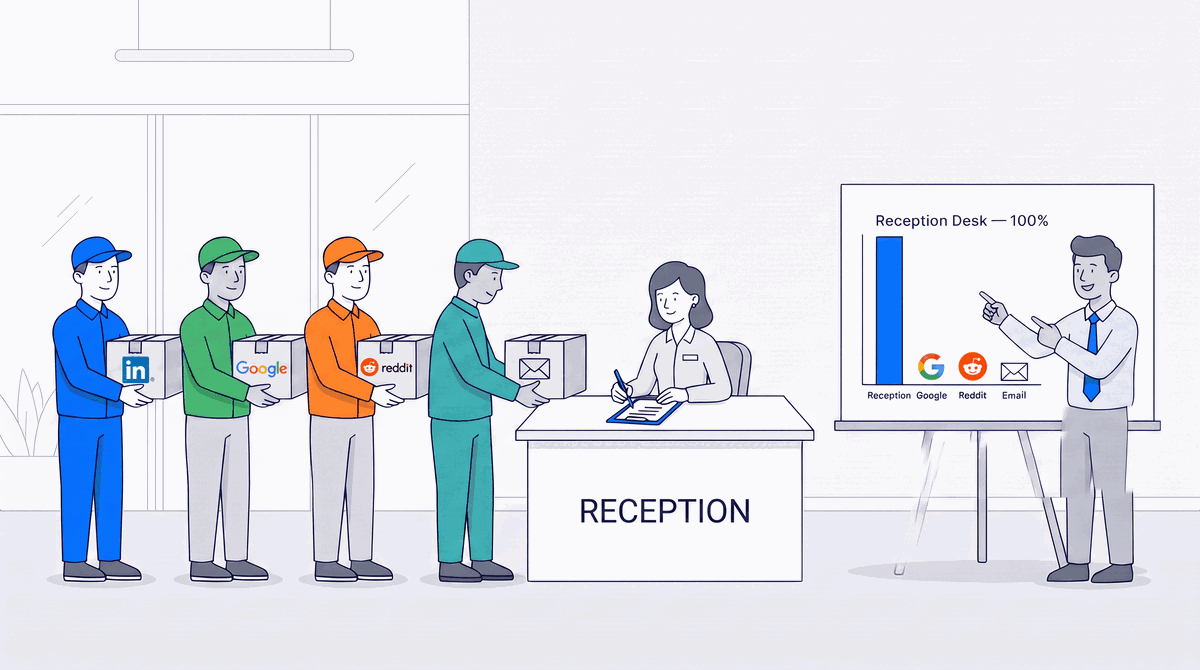
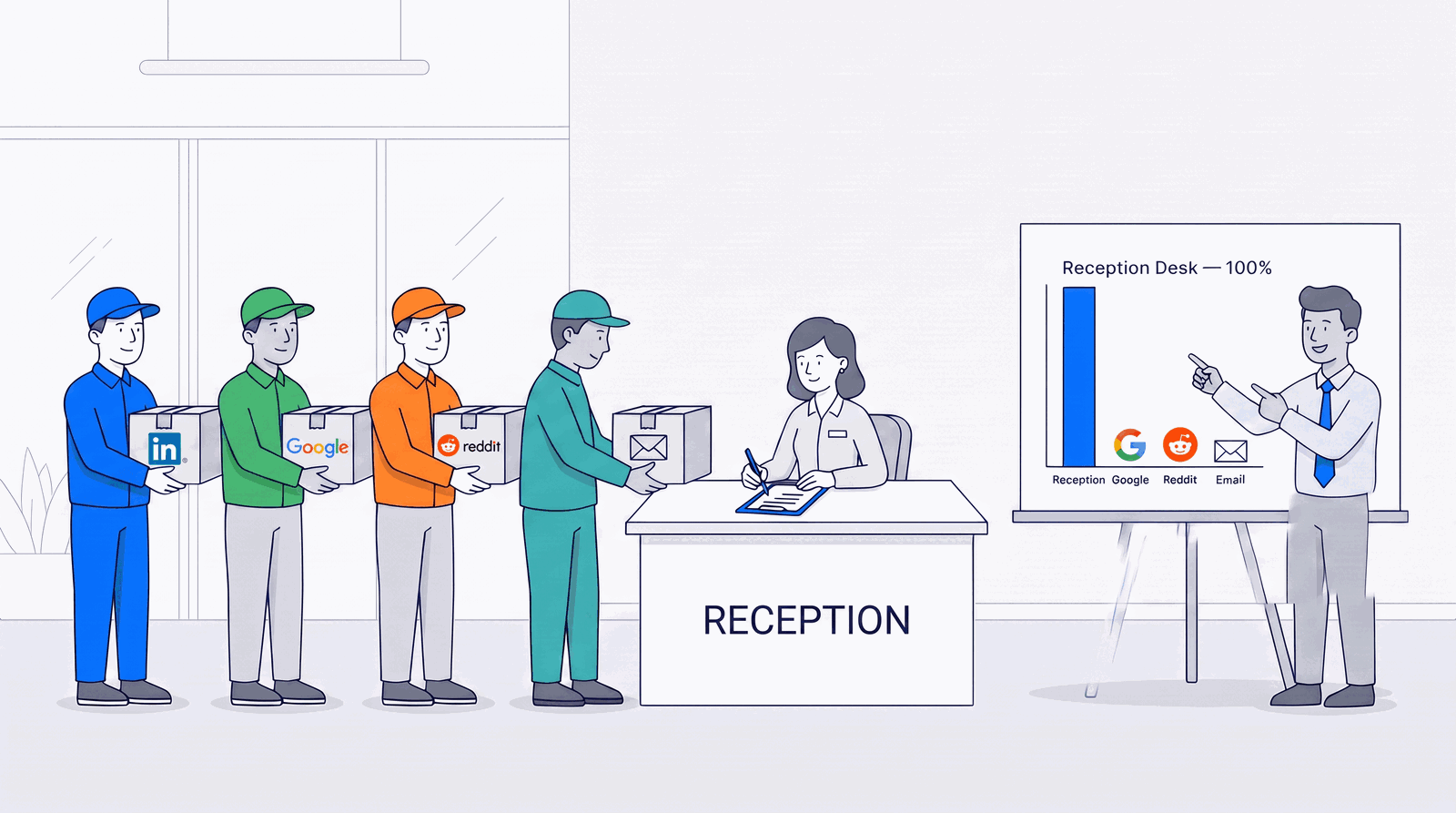
Imagine your office receptionist signed for every package that arrived, and your ops team — seeing the same name on every delivery slip — concluded the receptionist was your biggest supplier. Absurd. Yet that is, almost exactly, what GA4 is telling a large share of SaaS companies about where their signups come from.
We build Alice, an AI growth agent for product-led B2B SaaS, which means we spend a lot of time inside GA4 properties. Three attribution bugs show up so often that we now check for them before we trust any channel report. They share one nasty habit: they corrupt exactly the sessions that convert and leave the boring ones alone — so the totals stay plausible, nobody questions the dashboard, and the wrong channel quietly gets the credit.
To be precise about the word: none of these are GA4 malfunctioning. Every one of them is GA4 doing exactly what it was told, on a setup nobody finished telling it about. They are bugs in your funnel's measurement, which is worse in one specific way — nothing errors, nothing alerts, and the numbers keep arriving on schedule looking completely reasonable.
Bug #1: The OAuth bounce (the receptionist)
A visitor finds you on LinkedIn, reads your site, clicks “Sign in with Google”. On the way into your app they pass through Google's login page, accounts.google.com. When they come back, GA4 treats them as a brand-new visitor referred by that login page, and starts a fresh session credited to it. LinkedIn — the channel that actually earned the signup — gets nothing.
The cruel part: this only happens to people who log in. Which is to say, your converting visitors. When we ran our detector against a property with a standard “Sign in with Google” button, a third of all sessions carried this signature. Nothing was misconfigured. This is GA4's default behavior until someone tells it otherwise — and almost nobody does, because nothing looks broken.
Bug #2: The subdomain break
The standard SaaS topology: marketing site on www, product on app. GA4's documentation promises that journeys across your own subdomains stay stitched together automatically — and they do, as long as the exact same tag runs on every subdomain a visitor touches. Then a hosted login page that can't carry your tag shows up mid-journey, or a consent banner's “accept” doesn't carry across the subdomain boundary, and the session snaps in half. The first half ends on your marketing site, unconverted. The second half begins on your login page, out of thin air, with source “direct” — and it absorbs the signup.
The giveaway is beautifully simple: GA4 reports sessions starting on your login page. Set aside password managers and bookmarks, and ask how a stranger arrives at /account/login as their first-ever page. They don't. Unusual volume there is a measurement wound, not a traffic source. A 20-year analytics practitioner we compared notes with measured a quarter of a client's sessions resetting at exactly this hop.
Bug #3: The self-referral
Your own domain listed as one of your traffic sources. GA4 is supposed to ignore referrals from your own site automatically, so when one appears anyway, it means the automatic detection has failed somewhere — usually a subdomain missing the tag. Think of it as your own phone number showing up on caller ID. The call itself is harmless. The fact that it happened at all is the information.
Why only a portion of sessions break
A fair question: if these bugs are mechanical, why is it a third of sessions and not all of them? Because each bug is deterministic per condition, and your visitors are spread across conditions — like a bridge with one broken lane. Every car in that lane goes down; most traffic is in the other lanes, so the bridge looks mostly fine. Visitors who accepted your cookie banner carry their session across the hop; the ones who declined mint a fresh one. Chrome carries cookies that Safari's tracking prevention has already expired. Visitors who log in through OAuth hit bug #1; visitors who go straight to the app never cross the seam at all. The share of broken sessions is itself diagnostic: it roughly measures how much of your audience sits in the breaking conditions — and if it jumps after a deploy, something moved a lane's worth of traffic into the broken one.
The five-minute check
In GA4, pull a report of landing page by session source for the last 28 days. You're looking for two things: an auth domain (accounts.google.com, appleid.apple.com, your own auth.* subdomain) appearing as a session source, and sessions starting on /login, /signup or /account/* pages with source “(direct)”. Either one, and you've found it.
The sixty-second fix (for bug #1)
GA4 Admin → Data streams → select your web stream → Configure tag settings → “List unwanted referrals” → add your auth domains. That tells GA4 to stop treating the login bounce as a referral, so sessions keep the channel that actually earned them. One caveat: the fix is forward-only. Historical data stays wrong forever, which is very GA4 of it — and it's also the argument for fixing it this week rather than after the next campaign you'll want to measure.
When the sixty seconds turns into a week
Here is the part nobody warns you about, which we found the way you find most things, by walking directly into it. You open that screen and there is a small grey badge in the corner reading Read-only mode. The domain list is sitting right there. You cannot type in it.
This is not a GA4 role problem, which is exactly what makes it disorienting. Your Google tag carries its own permission layer, administered through Tag Manager, separate from the Analytics property the tag reports into. We hit this while being the Administrator of the property, the sole administrator of the Tag Manager account holding the tag, and the owner of the domain. Still read-only. The reason was buried three panels deep: access to that account was inherited from a group rather than granted directly, and inherited access can look but not touch. Three screens called us an administrator. The fourth quietly disagreed, in a font size you could miss.
If you run growth at an agency, on a client's property, treat this as the default rather than the exception.
The version you can ship yourself
Read the fine print at the top of that same locked screen and it hands you the way out: “Append the parameter ignore_referrer to the traffic identified by the conditions below.” The admin toggle is a user interface over a gtag parameter. If you own the site code, you can set the parameter directly and route around the permissions entirely.
// Sits alongside your existing gtag config.
// Auth redirects return as a referral and restart the session.
// Suppress the referrer on THAT hop only, so the original session survives.
var authReferrer = /(^|\.)accounts\.google\.com$|(^|[-.])auth\.yourdomain\.com$/;
var fromAuth = false;
try {
  fromAuth = !!document.referrer &&
    authReferrer.test(new URL(document.referrer).hostname);
} catch (e) {
  fromAuth = false;
}

var config = { /* your existing settings */ };
if (fromAuth) { config.ignore_referrer = true; }
gtag('config', 'G-XXXXXXXXXX', config);
One rule, and it matters more than anything else here: keep it conditional. A blanket ignore_referrer: true discards every genuine referral you have, LinkedIn and Reddit right along with the login page. That trades a bug that loses a third of your attribution for one that loses all of it. Fixing measurement badly is worse than not fixing it, because now the numbers are wrong andyou trust them.
Worth knowing what “fixed” looks like, too, because the obvious guess is wrong. Done right, those sessions do not turn into Direct. The session never restarts at all, so it keeps the source that earned it, and the traffic reappears in your real channels. If Direct swallows them instead, your session cookie is not surviving the hop, and you have just found bug #2 on your own property.
Bugs #2 and #3 are more setup-specific: uniform tagging across subdomains, consent state stored at the root domain rather than per-subdomain, and — the deeper cure for the OAuth bounce — a login flow that never navigates away from your page in the first place.
Why we turned this into software
A one-time audit rots. The next deploy, the next consent-banner tweak, the next subdomain quietly reintroduces one of these — and the dashboard goes back to telling a confident, internally consistent, wrong story. Worse, any AI reading that data inherits the confidence without the wrongness ever being visible.
So we encoded the whole family as deterministic detectors inside Alice. They run when you connect GA4, again every week, and whenever the fingerprints surface mid-analysis. Findings arrive quantified (“157 of your 465 sessions lost their channel to the OAuth bounce”), with the exact setting to click, they land on your action-items list, and the following week's check reports whether the fix actually moved the numbers. Detection lives in code, the judgment stays yours, and the receipts come back on their own.
Run the five-minute check on your own property this week. If the receptionist is signing for your packages — and with OAuth login, she probably is — the fix costs you sixty seconds. Or connect your GA4 to Alice and she'll run the whole family of checks for you, this week and every week after.